- OneNote is a Microsoft app you can use to record your own notes. No-one else has access to this area although you can share pages of notes with other people, if you want.
Notes are automatically saved as you type so there's no need to save them.
Notebooks are organised in sections and then pages.
There's more information about OneNote and how to use it on these Microsoft pages.
To open OneNote from the REF Hub
| 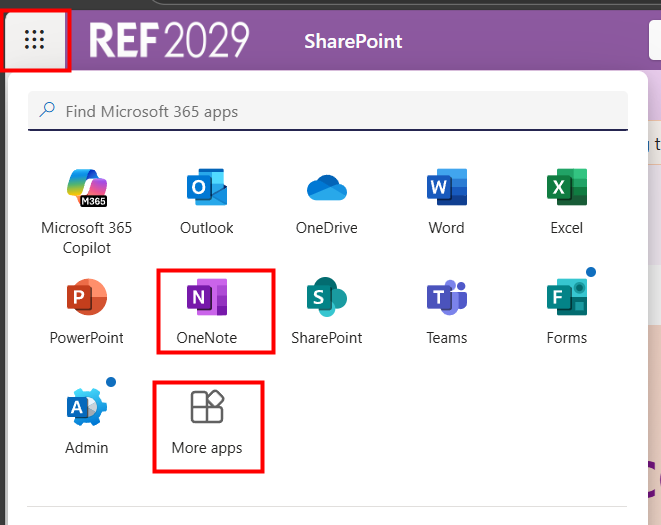 |
If you've never used OneNote before these links may be useful: | 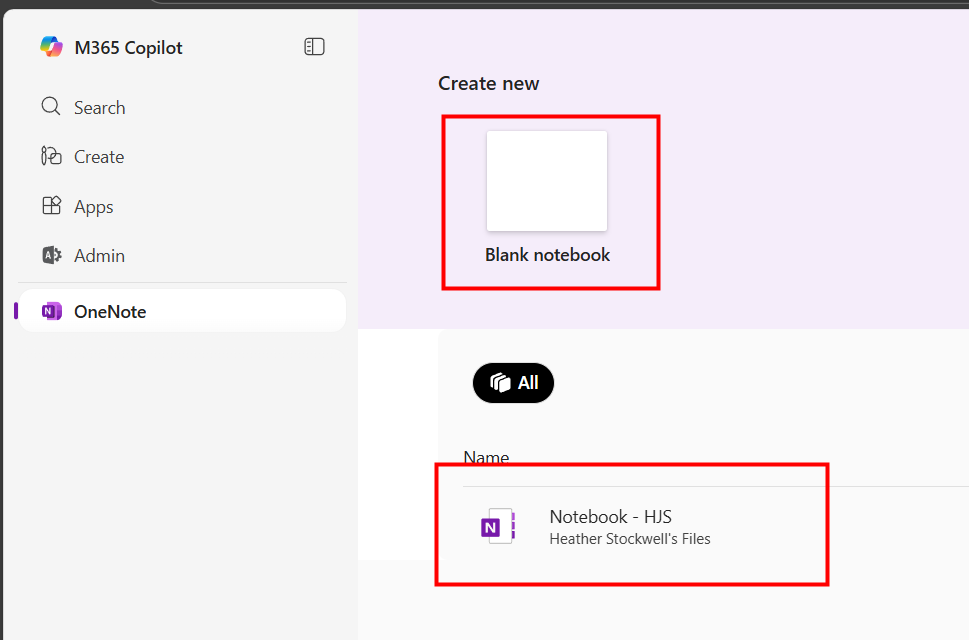 |
We want to make these articles as helpful as possible so please use the Yes/No buttons below to send us feedback.
Was this article helpful?
That’s Great!
Thank you for your feedback
Sorry! We couldn't be helpful
Thank you for your feedback
Feedback sent
We appreciate your effort and will try to fix the article