Here are a few ways to return to the REF Hub home screen.
| Click on the REF 2029 logo to return to go to the REF Hub home screen. | 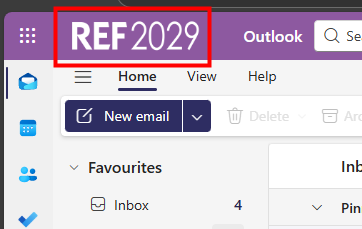 |
| Once you have navigated to another area of the REF Hub you can get back to the home screen by clicking on the REF 2029 Hub link at the top of the screen. | 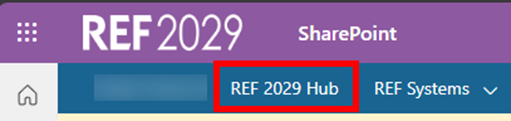 |
Or you, if you can see the Featured links section you can click on REF 2029 Hub there. | 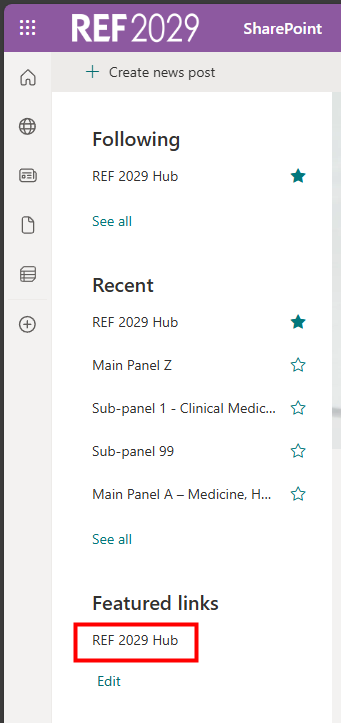 |
We want to make these articles as helpful as possible so please use the Yes/No buttons below to send us feedback.
Was this article helpful?
That’s Great!
Thank you for your feedback
Sorry! We couldn't be helpful
Thank you for your feedback
Feedback sent
We appreciate your effort and will try to fix the article