Access your REF email

Modified on Thu, 2 Oct at 2:55 PM

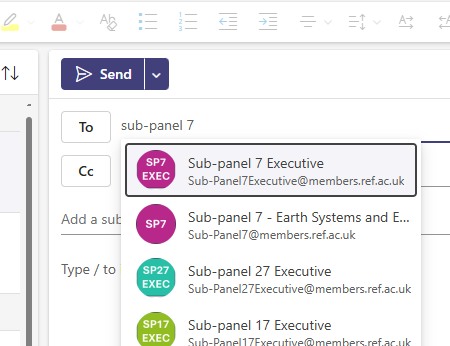
As a panel member, you have a REF email address which you will need to monitor regularly. 


Please be aware of how the REF email is set up. The Using your REF email article gives full details. 


To access your email in Outlook: 

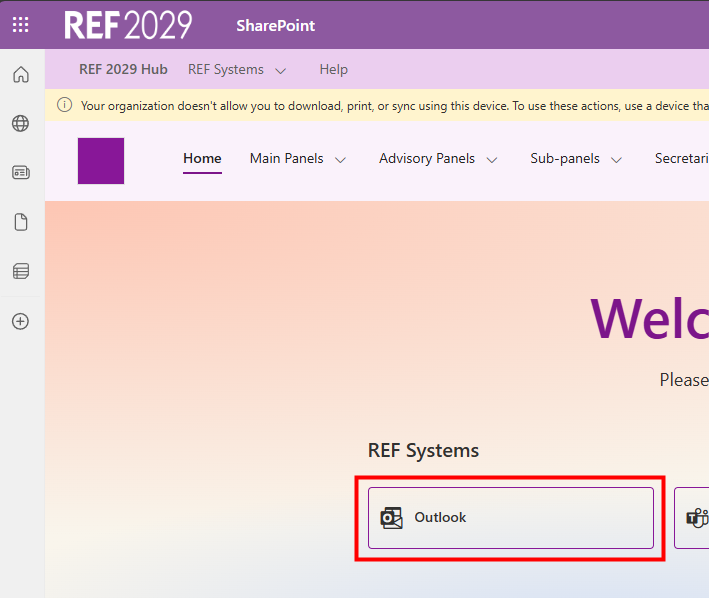
  • Sign in to the REF Hub
  • On the Hub home screen, click on Outlook 
  • This will take you to your REF email inbox in Outlook


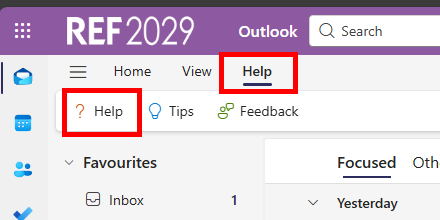
  • If you need any guidance on how to use the online version of Outlook use the Help feature within Outlook or have a look at the Microsoft guidance
    • Click on Help menu
    • Click on Help in the options that appear
  • If you can’t find the answer to your question contact usersupport@ref.ac.uk

Picture 1, Picture

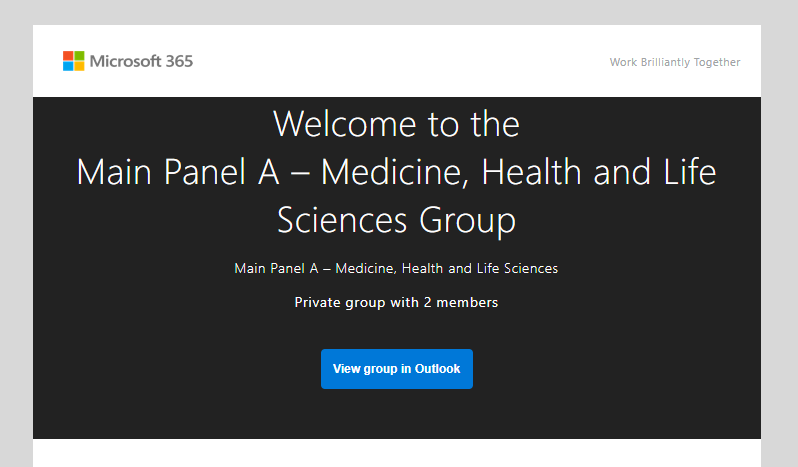
  • When you first look at your email you may find you have some messages, like this, welcoming you to a panel or sub-panel group. You can delete these emails. 


We want to make these articles as helpful as possible so please use the Yes/No buttons below to send us feedback.


Was this article helpful?

That’s Great!

Thank you for your feedback

Sorry! We couldn't be helpful

Thank you for your feedback

Let us know how can we improve this article!

Select at least one of the reasons
CAPTCHA verification is required.

Feedback sent

We appreciate your effort and will try to fix the article