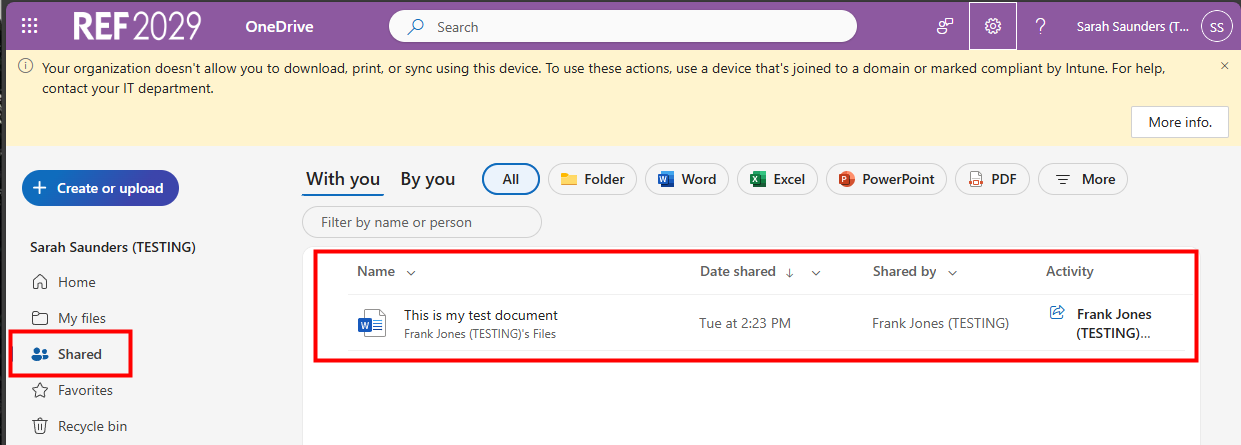
When someone shares a file with you you'll receive an email with a link to the file. However, you can easily see a list of files that have been shared with you in OneDrive and you can open them from there as well.
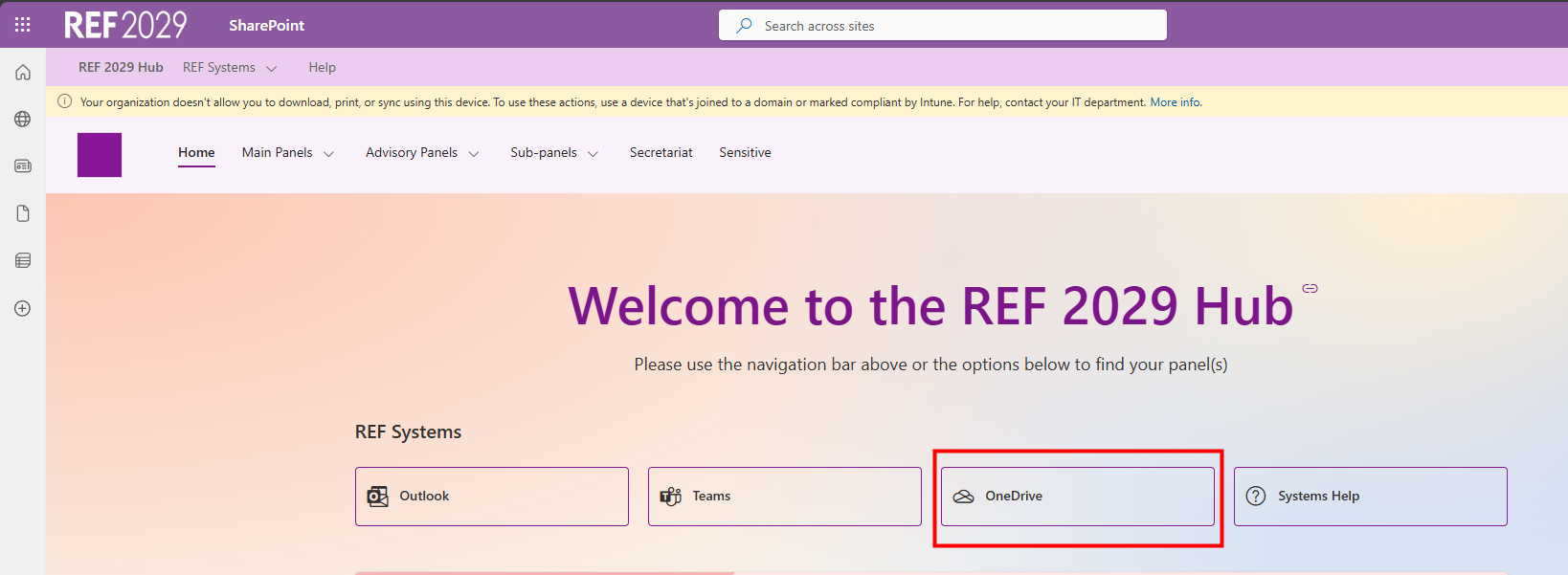
Find files that have been shared with you
|  |
|  |
We want to make these articles as helpful as possible so please use the Yes/No buttons below to send us feedback.
Was this article helpful?
That’s Great!
Thank you for your feedback
Sorry! We couldn't be helpful
Thank you for your feedback
Feedback sent
We appreciate your effort and will try to fix the article