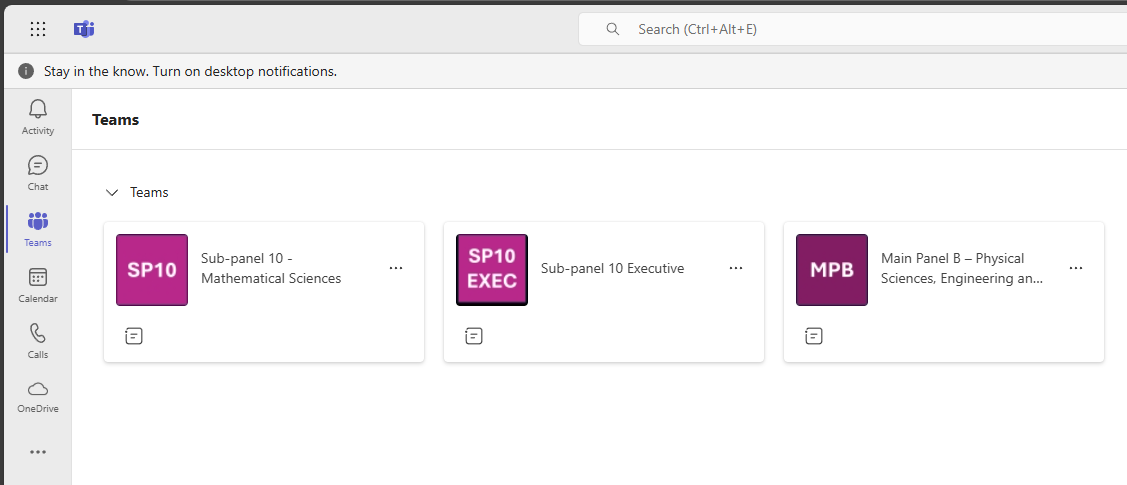
Depending on your role you may be a member of more than one team in Teams.
You can find out more about the structure of the teams here.
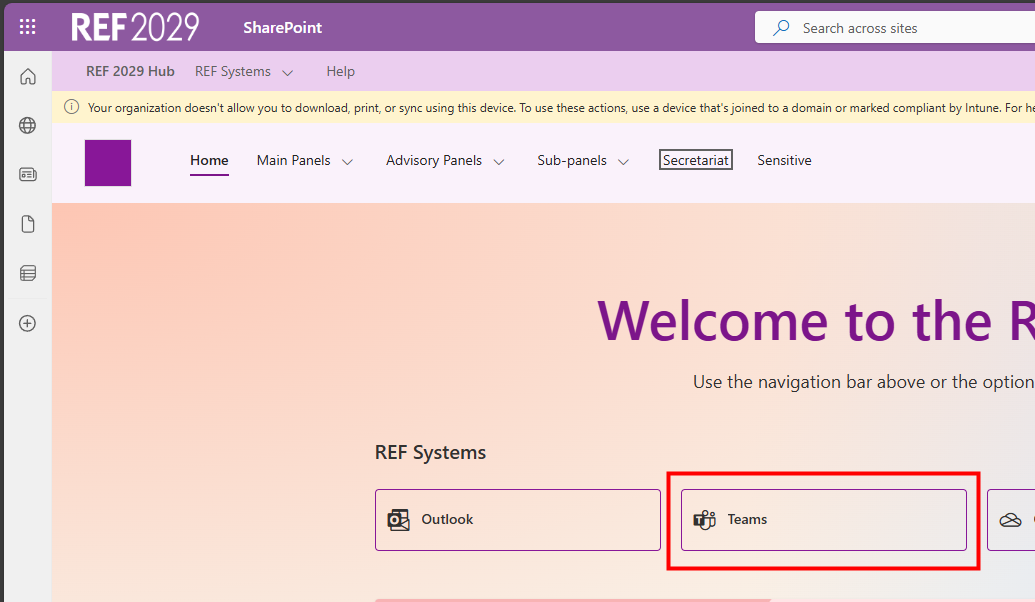
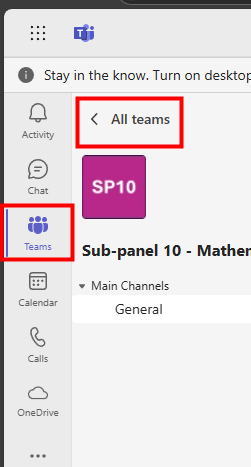
To see which teams you are a member of:
|  |
|  |
|  |
We want to make these articles as helpful as possible so please use the Yes/No buttons below to send us feedback.
Was this article helpful?
That’s Great!
Thank you for your feedback
Sorry! We couldn't be helpful
Thank you for your feedback
Feedback sent
We appreciate your effort and will try to fix the article