How to submit your institution's non-HESA Volume Measure data

Modified on Thu, 20 Nov at 3:40 PM

To submit your institution's non-HES Volume Measure data, please follow the instructions below.


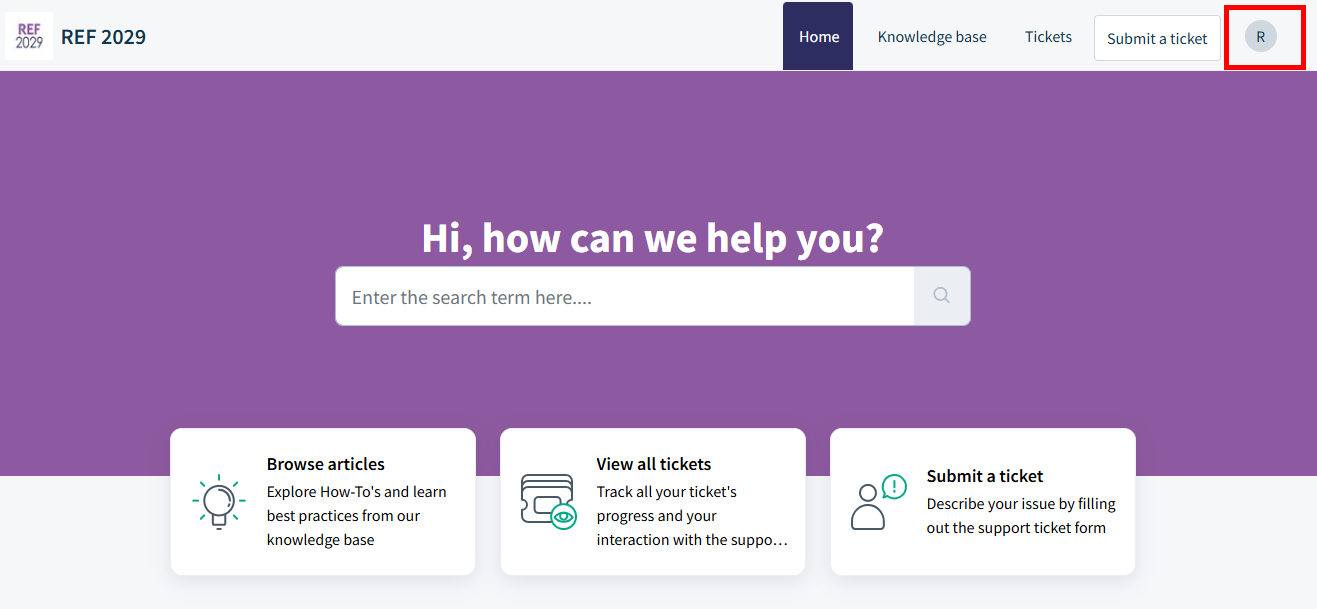
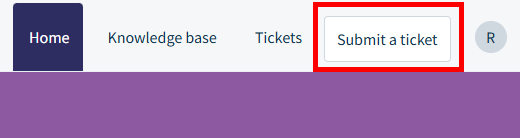
  • In the top-right hand corner, click Submit a ticket
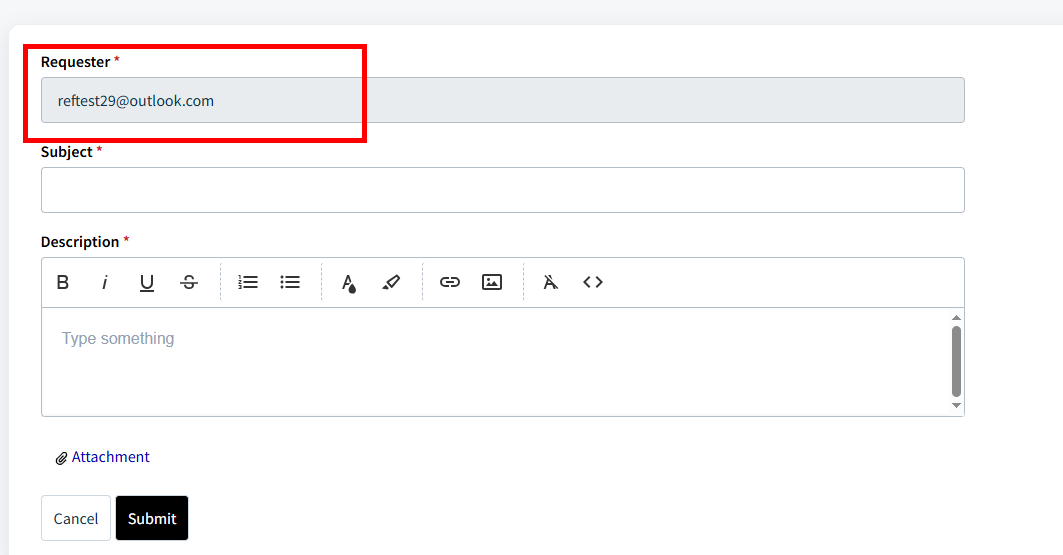
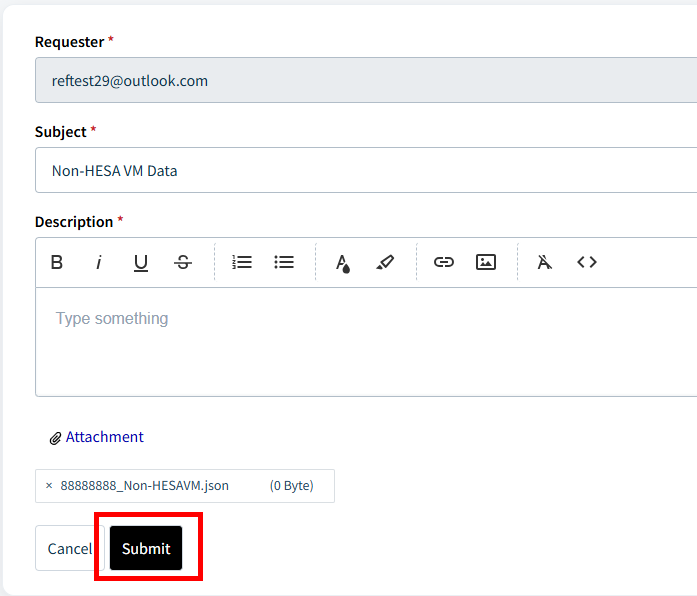
  • On the page that opens, ensure your email is correct in the Requester field
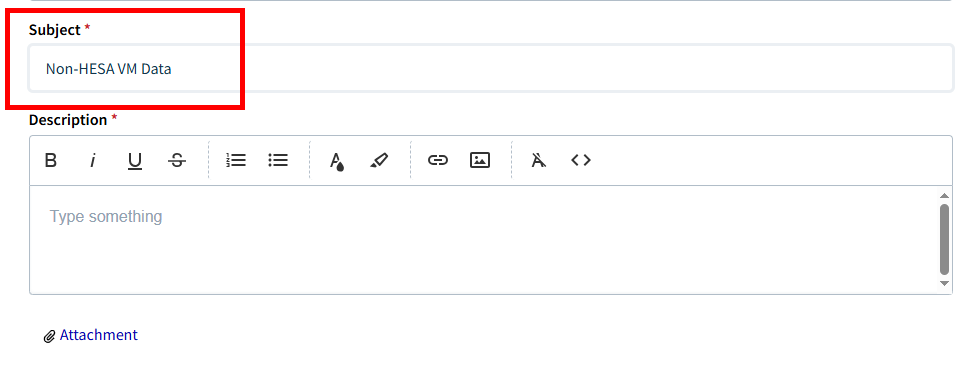
  • In the Subject field, enter the text: Non-HESA VM Data
  • The Description field must contain some text, so enter what you please
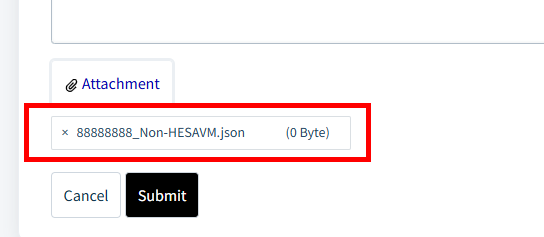
  • Click the Attachment button below the Description field
  • Attach your JSON file, and ensure the file name follows this format:

[Institution UKPRN]_Non-HESAVM


If your institution does not have a UKPRN, please use the name of your institution in its place.

  • Next, click Submit
  • You will be redirected to a confirmation page with a green banner, and the REF team will email to confirm receipt of the data
  • If you have any issues, please email usersupport@ref.ac.uk 


We want to make these articles as helpful as possible so please use the Yes/No buttons below to send us feedback.

Was this article helpful?

That’s Great!

Thank you for your feedback

Sorry! We couldn't be helpful

Thank you for your feedback

Let us know how can we improve this article!

Select at least one of the reasons
CAPTCHA verification is required.

Feedback sent

We appreciate your effort and will try to fix the article